What are activities in a CRM system?
In a CRM system, activities refer to all scheduled or logged interactions with customers, including tasks, events, and calls. Managing these activities helps teams stay organized. It enables them to follow up efficiently. It also ensures strong, timely communication with prospects and customers throughout the sales cycle.
Key Features
- Centralized Tracking: All interactions in one place
- Reminder System: Never miss follow-ups
- Progress Monitoring: Track deal-related activities, e.g., demo meetings, follow-up calls.
Getting Started
- Log in to Zhylar
- Go to Left-hand navigation panel
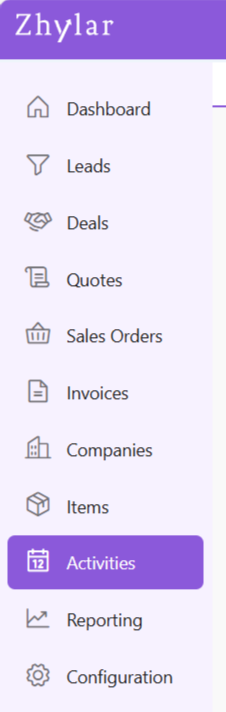
- From the left-hand navigation panel, click on Activities
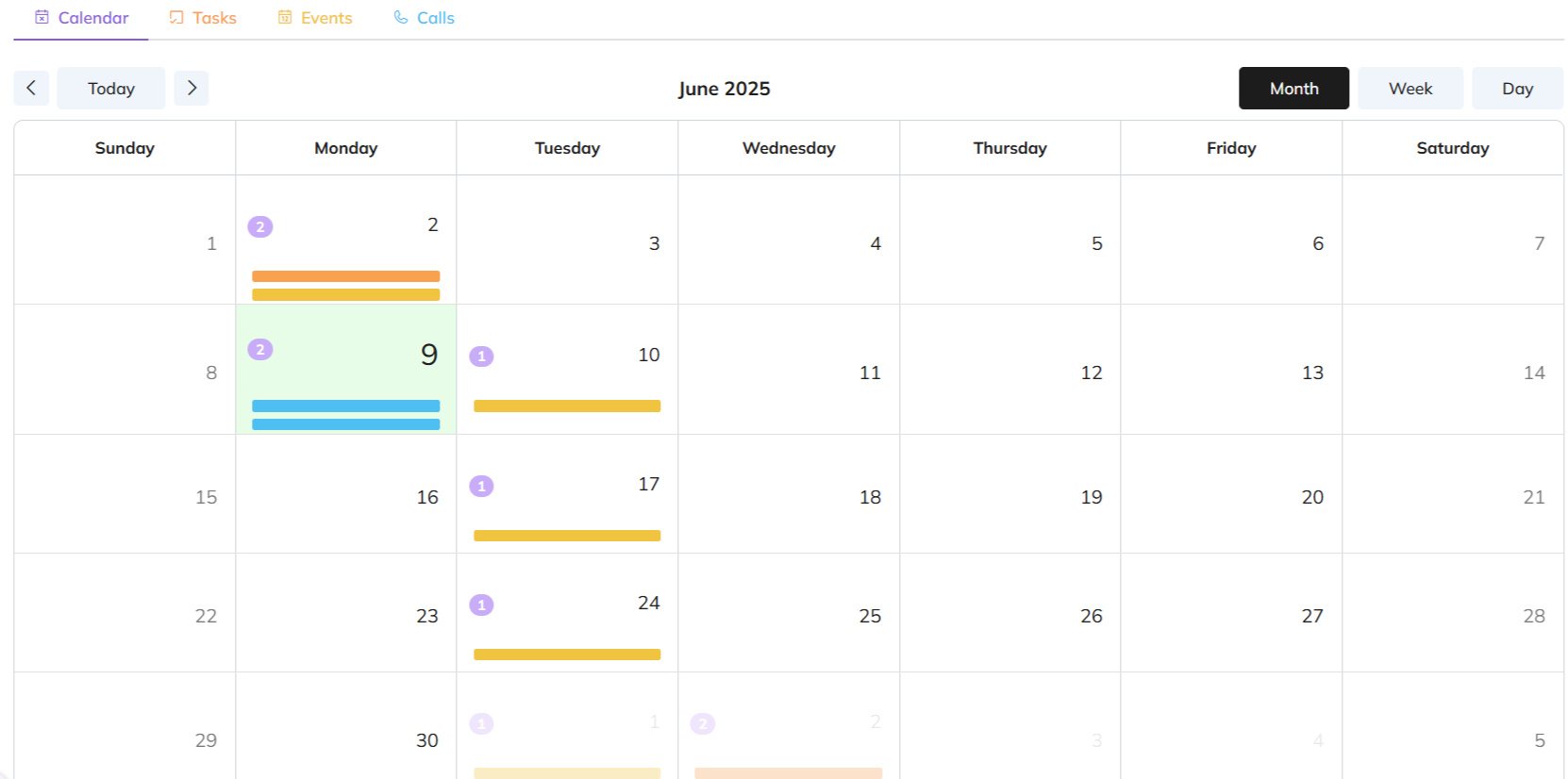
Calendar View
- By default, the page will take you to the Monthly overview of all activities. Some events and calls have been added for the 9th and 10th of June 2025.
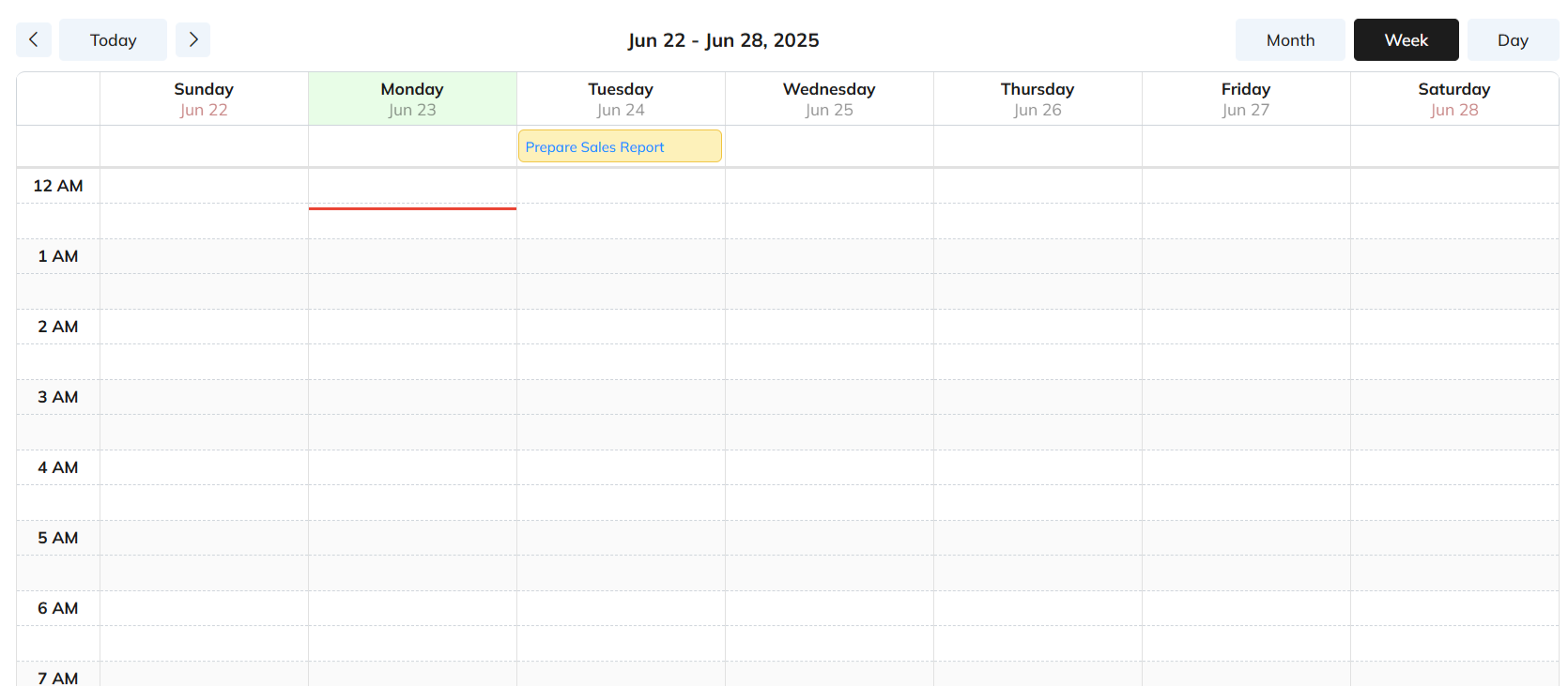
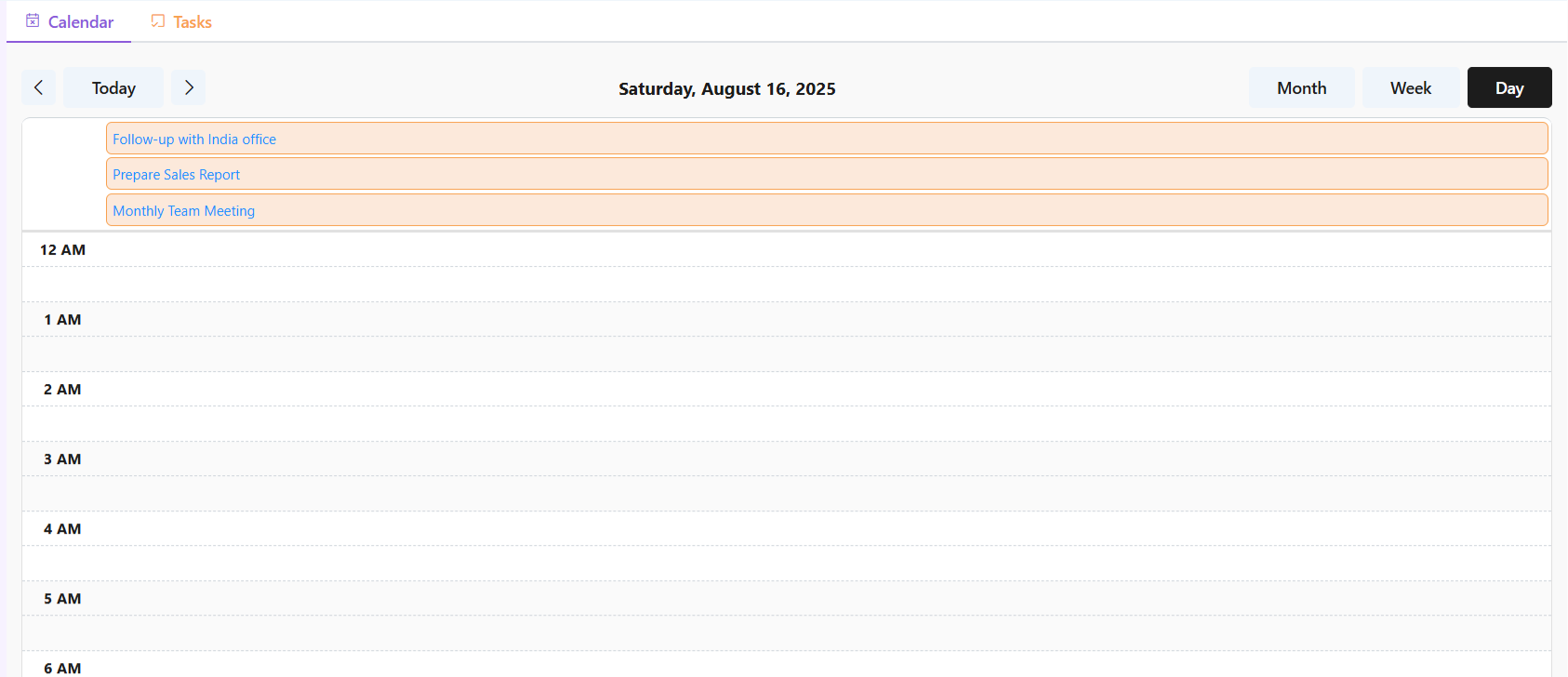
- Switch to Week or Day view to check/add weekly or daily activities from the left hand corner.
Weekly
Daily
Discover how Zhylar can streamline your sales and elevate your business processes. Visit our website or book a demo today to experience the difference!

Leave A Comment