Profiles Introduction
In Zhylar, profiles determine what features and functionalities a user can access within the platform. Profiles control “who sees what” based on hierarchy. Profiles define “what a user can do.” This includes creating records, editing data, or generating reports. Zhylar assigns the right profile to ensure every team member has the exact tools they need. This helps them perform their job efficiently without unnecessary clutter or access.
Some common Profiles in CRM/CPQ systems include:
- Administrator/Admin
- Manager
Permissions refer to the specific actions or data that a user can access within their assigned Profiles. Permissions are more granular than roles. They dictate exactly what each user can do with the data. They also define the features users can see.
- Read
- Create
- Update
- Delete
- Export
- Update Pipeline
- Manage Configuration
Profiles List View
To get started, follow these steps:
- Log in to Zhylar
- Go to Left-hand navigation panel
- Click on Configuration
- Under General Settings tab, select Profiles

- You will be able to view all the Profiles as shown in the image below.
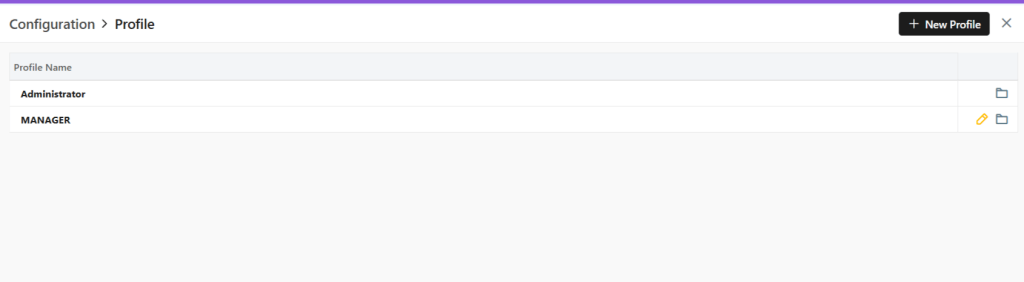
- Two default Profiles are pre-loaded in the system- Administrator and Manager.
- The Administrator is the CEO. This profile cannot be updated or deleted in any way.
Add New Profile
- Click on the “+ New Profile” button.

- A new page will open.
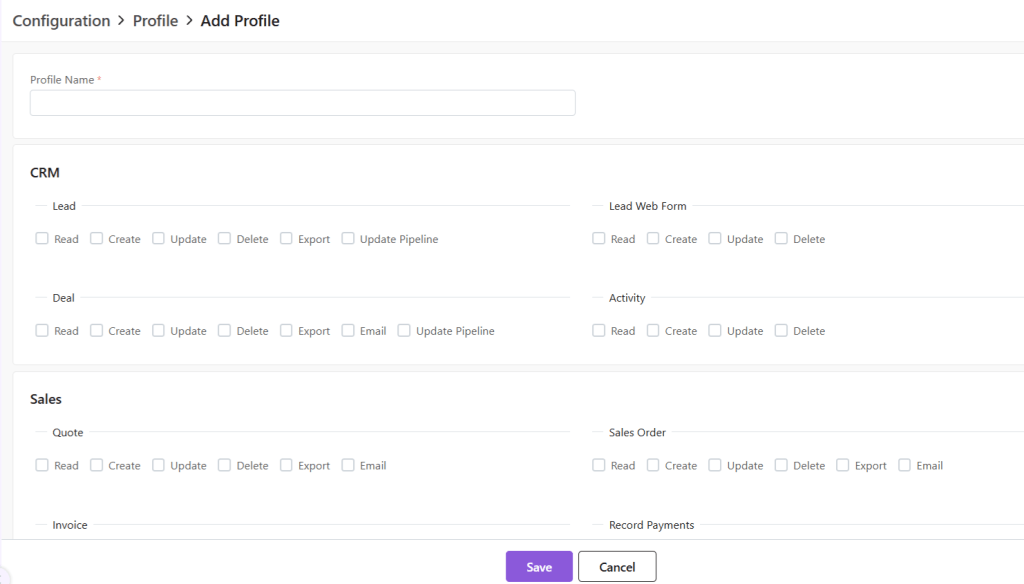
- Fill out the Profile name and click on the permissions to be provided to the said Profile.
- Click on Save to add Profile.
Default System Profiles
- There are 2 default Profile, namely, Administrator and Manager.
- The Administrator Profile cannot be edited.
Update Existing Profile
- To update a Profile, click on the yellow pen at the end of the Profile you want to edit.

- A new page will open.
- Update the permissions provided and click Save.
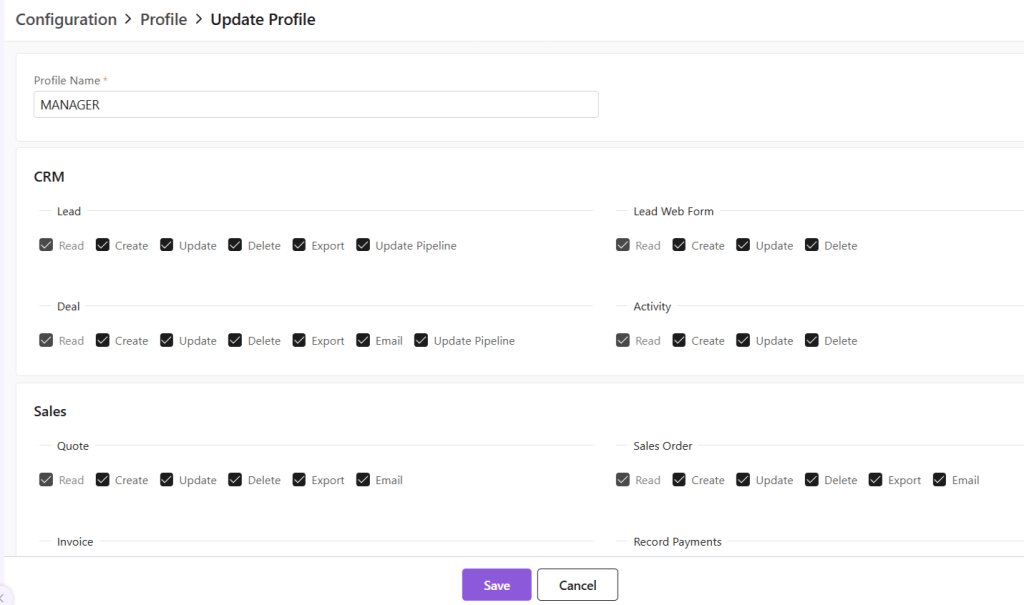
- Click Save.
Delete Profile
To delete the Profile,
- First click on the yellow pencil to go to Update view.
Now, click on “Delete Profile” at the bottom-right corner of the page.

- Now, confirm you want to delete the role by clicking on Yes.
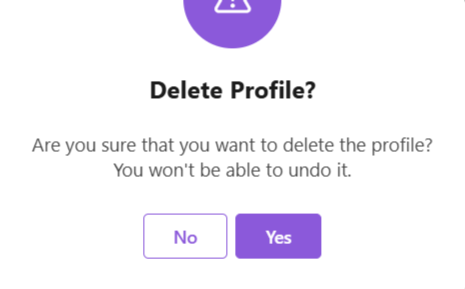
- The role will be deleted.
Discover how Zhylar can streamline your sales and elevate your business processes. Visit our website or book a demo today to experience the difference!
 Zhylar Blog
Leave a comment