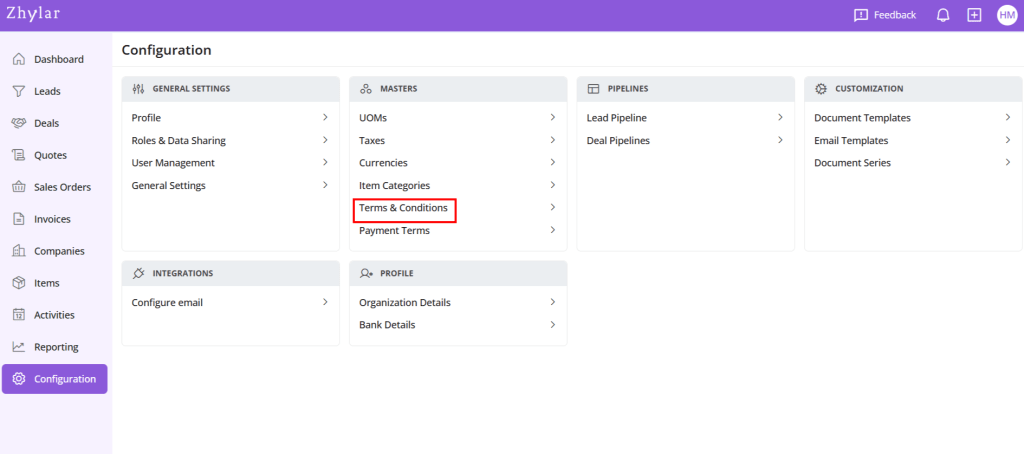
Terms and Conditions in Zhylar govern’s terms of business transactions between customers and the business. These terms are applied to key sales documents such as quotes, sales orders, and invoices. They outline essential policies related to payment, delivery, and service, ensuring clarity and compliance in all business transactions.
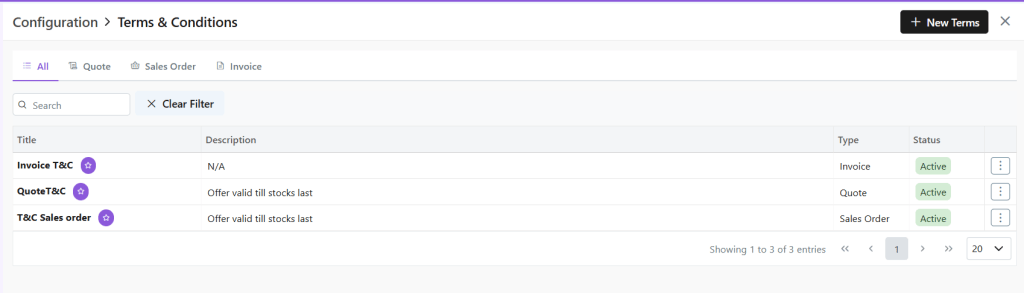
Here, check a list of the Terms and Conditions added to the system.
Add New
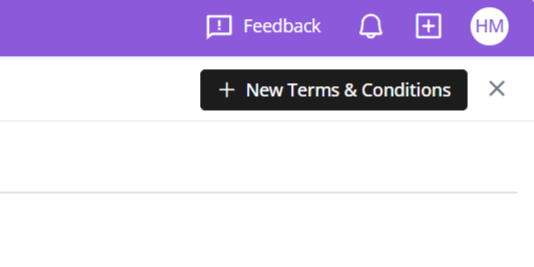
Click “+ New Terms & Conditions”
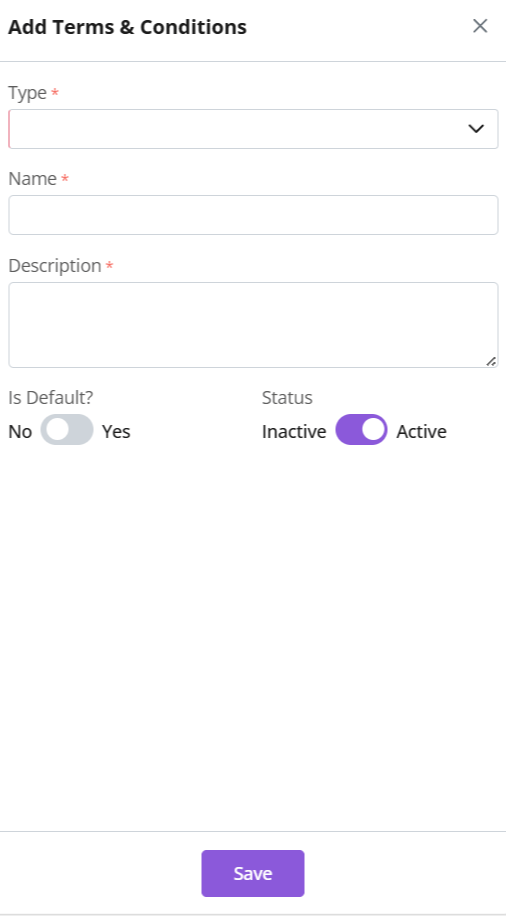
Give the T&C a name.
Add description for details of the term. This description entails the conditions of the terms that you want to levy.
Select document type (Quote/SO/Invoice)
Enable “Is Default” for auto-application in documents (Quotes / SO / Invoice) .
Auto-applied T&C can be edited on the document.
Click Save.
Update
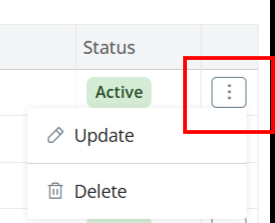
Click ⋮ 3 dots on the end
Make changes
Click Save
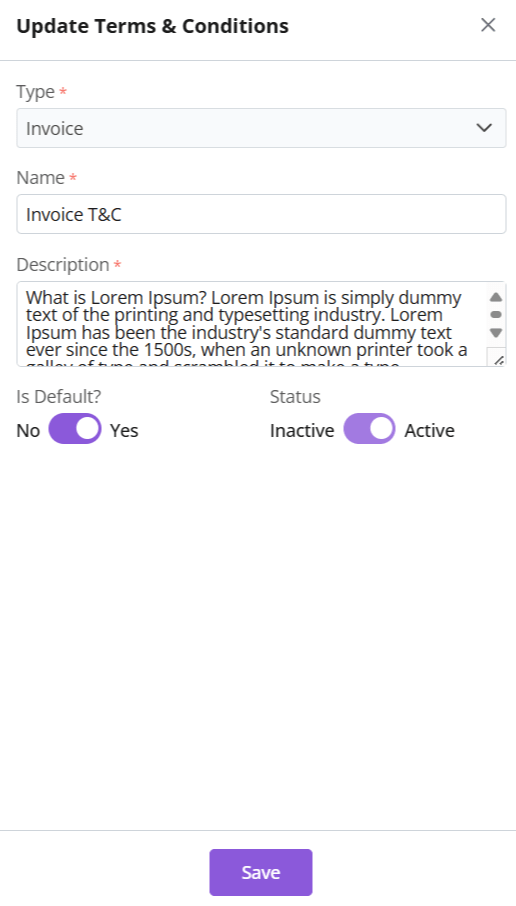
Make your changes.
Is Default: Toggle Yes or No to change
Status: If T&C is not in use it can be marked inactive.
A default T&C cannot be marked inactive. Remove default status to continue.
All fields can be updated except T&C Type.
Click Save.
Document Types
Type
Purpose
Quote T&Cs
Proposal-specific terms
Sales Order T&Cs
Binding order terms
Invoice T&Cs
Payment/delivery policies
Key Feature: Default T&Cs auto-apply to relevant documents.
Delete Term and Conditions
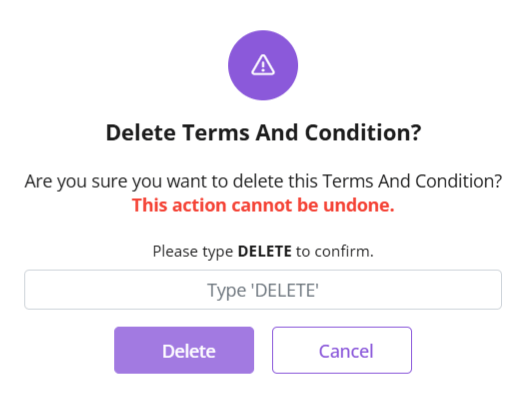
Click ⋮ 3 dots > Delete → Type “DELETE” to provide confirmation.
Provide confirmation to proceed.
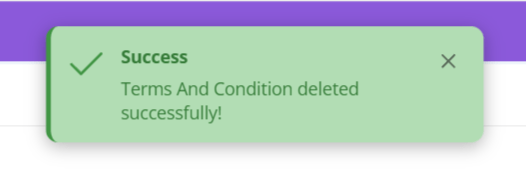
The T&C will be deleted.
Discover how Zhylar can streamline your sales and elevate your business processes. Visit our website or book a demo today to experience the difference!