In a CRM product, organization onboarding is the process of setting up a new company to use the system effectively. It involves configuring features, training users, importing data, and integrating workflows.
At Zhylar, onboarding tailors the CRM to an organization’s needs, including custom fields, workflows, and dashboards aligned with their processes.
The user whose credentials are being used will be added as the Organization Admin or CEO.
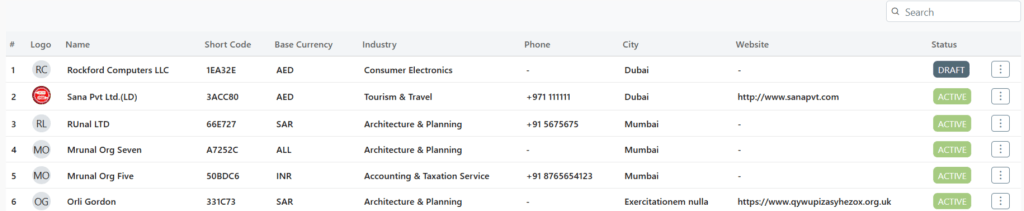
Click on “Add Organization”.
The status will show as draft initially. The user must be invited via email.
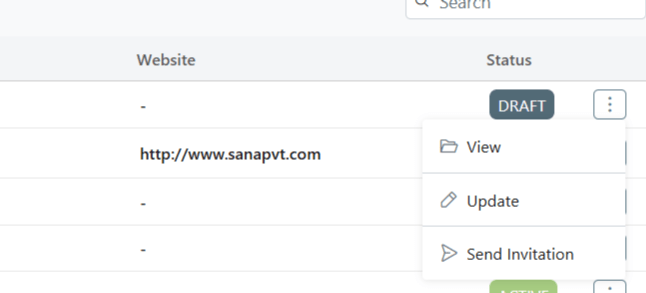
To send invitation, click on the 3 dots at the of the row.
Select “Send Invitation”
The user needs to go to their email to set up the account through the confirmation email sent. This email will be sent on the email ID provided by the user.
The link will redirect user to a password reset page. Reset your password proceed.
Add Organization
The organization onboarding can be done in 3 steps. The user must add the following:
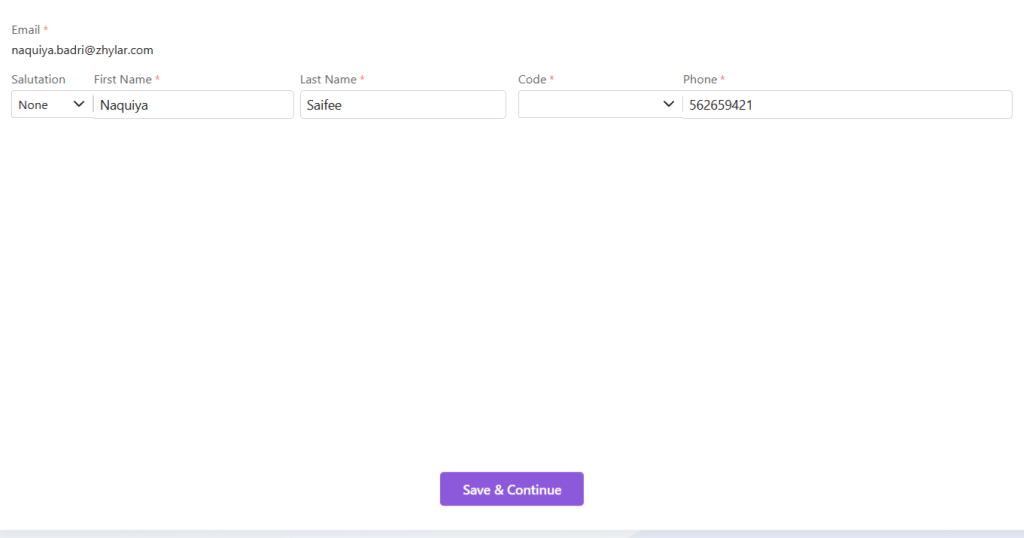
Personal details- details of the Organization Admin himself/herself
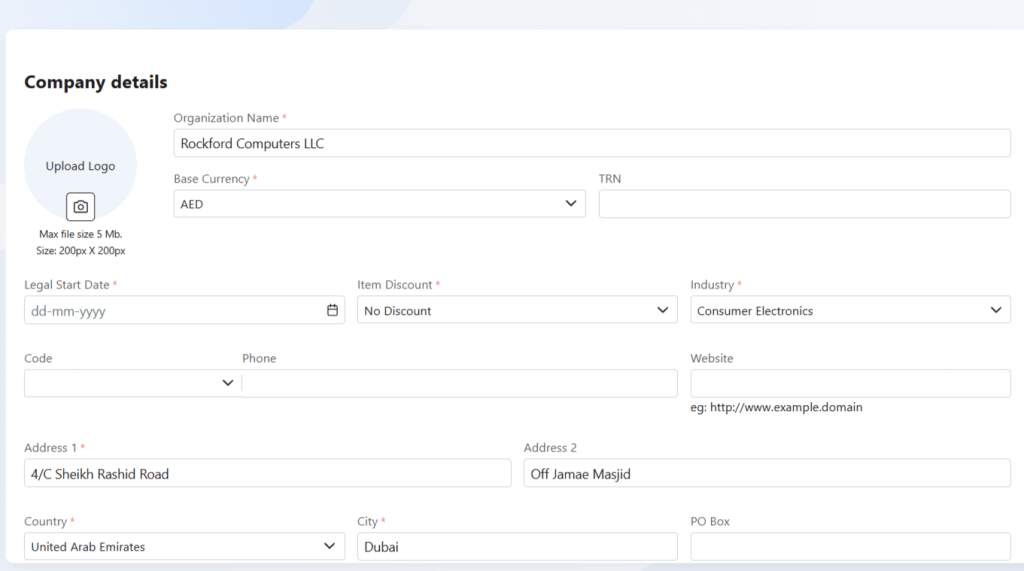
Company details- details of your organization
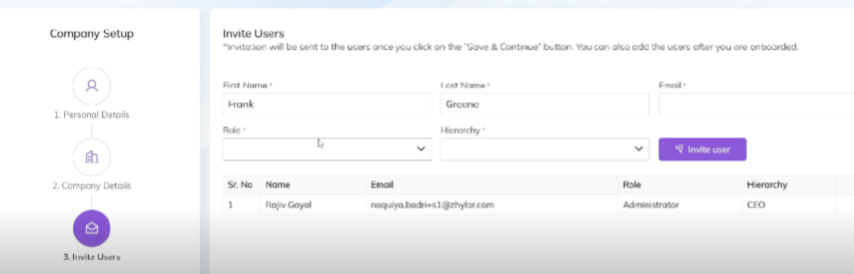
Invite users- add your teammates and employees to join your organization on the Zhylar platform.
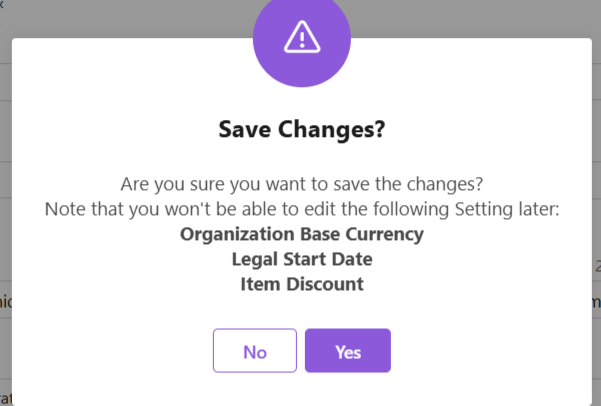
Under company details, please note the following:
Critical Setup (Immutable Fields)
Field
Importance
Base Currency
All transactions recorded in this currency
Legal Start Date
Contractual reference point
Item Discount
Line/total/none
These cannot be changed post-setup.
Add user details
Insert email ID
Click “Send Invite”
Tracking:
Status: “Invited” → “Active”
Monitor via: Configuration > User Management
Post-Setup
Admin completes company/user profiles
Configure workflows/dashboards
Discover how Zhylar can streamline your sales and elevate your business processes. Visit our website or book a demo today to experience the difference!