Reporting in Zhylar gives users clear insights into sales, leads, and team performance. It helps track progress, identify gaps, and make better decisions, ensuring smarter strategies and stronger business growth. Reporting is important because it helps in:
Data-driven decisions – Turn raw sales and customer data into actionable insights to guide strategy.
Performance tracking – Monitor team productivity, lead conversion, and deal progress in real-time.
Identify opportunities & risks – Spot sales trends, bottlenecks, and revenue leaks early to take corrective action.
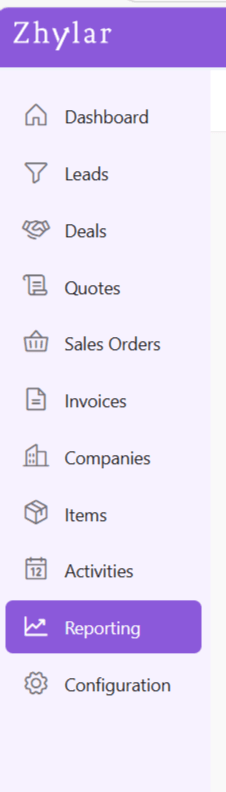
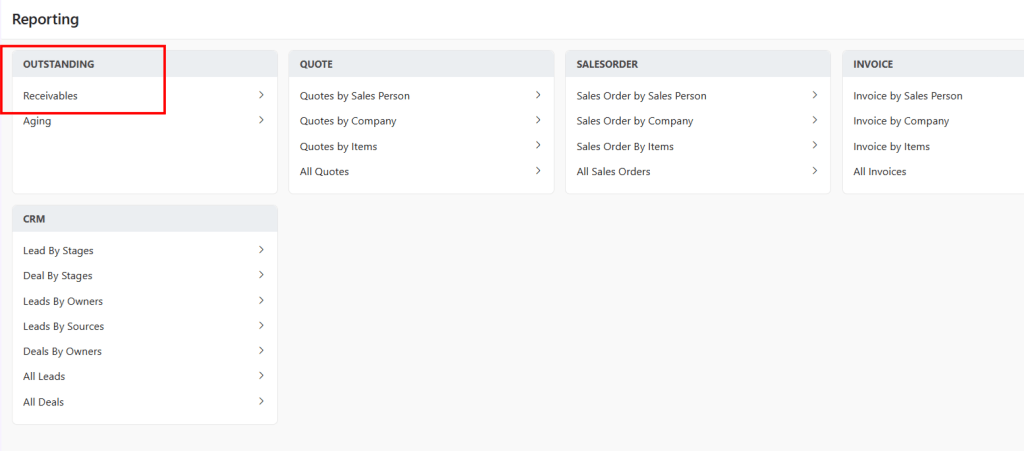
Here, you can check a list of all the modules for which reports can be run.
Run a Report
Click open a module for which you want to Run Report.
E.g.,- Outstanding > Receivables
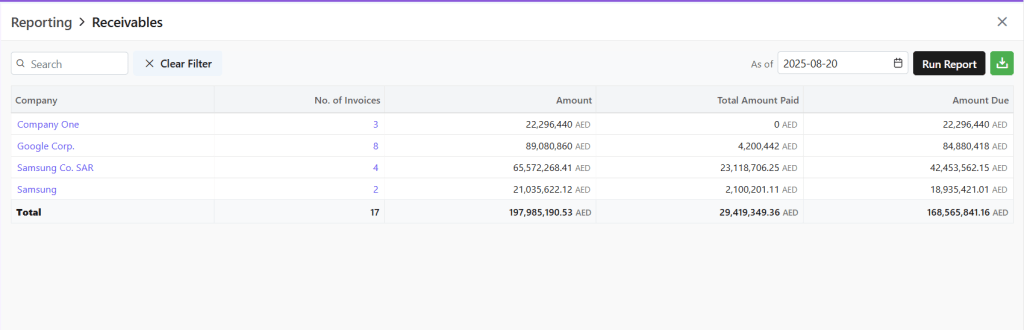
A new page will open.
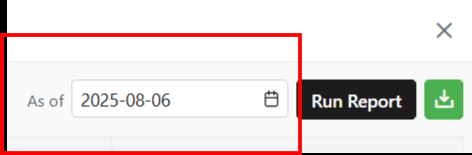
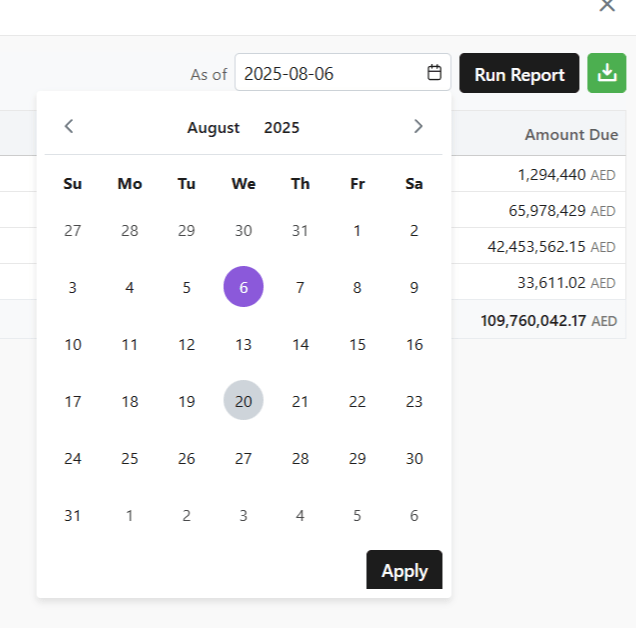
Pick a date by clicking on the small calendar icon beside “As of” box.
A calendar will open.
Select the date up until which you want to check the data through the report.
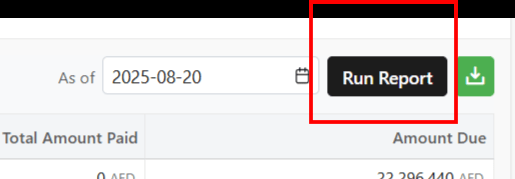
Click Run Report
You will get results in real time.
Download Report
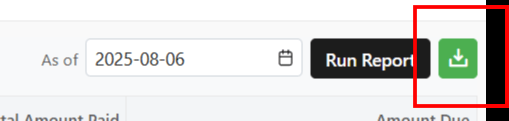
To download your report, click on the green download icon.
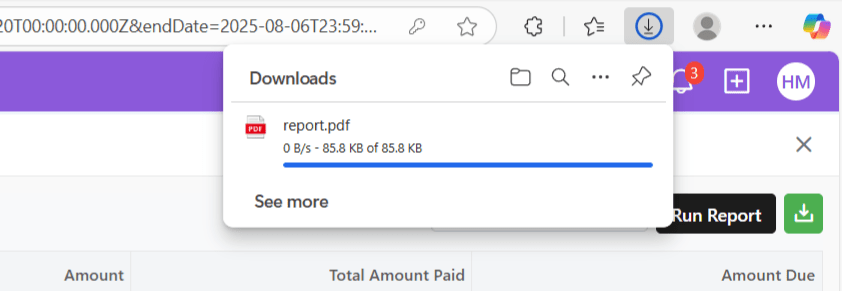
Your download will begin automatically.
This exact procedure must be followed for every section in the Module section.
Discover how Zhylar can streamline your sales and elevate your business processes. Visit our website or book a demo today to experience the difference!