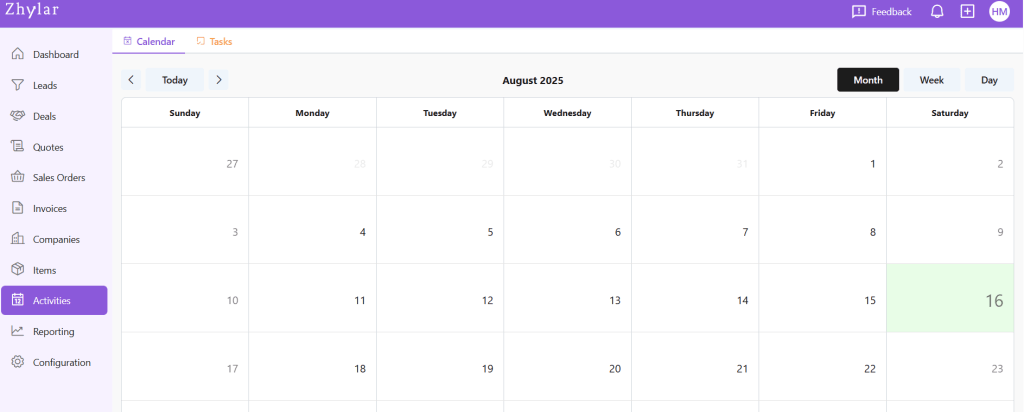
In a CRM system like Zhylar, tasks are activities or to-dos. They are linked to leads, deals, or contacts. These tasks help teams stay on top of their sales process. Tasks can include follow-up calls, meetings, sending proposals, or reminders for payment collection. They ensure accountability. They prevent missed opportunities. They keep every team member aligned by clearly defining what needs to be done, by whom, and by when.
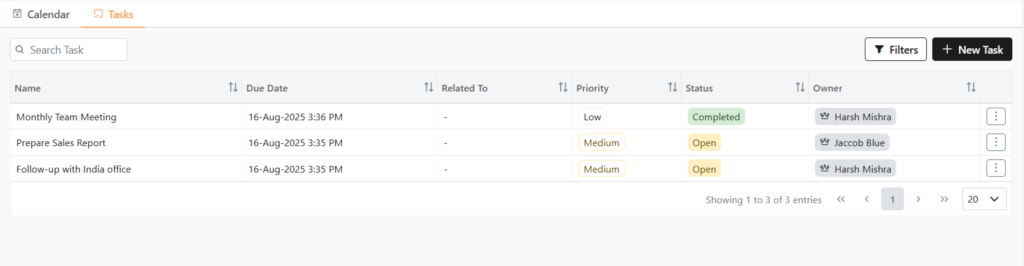
Here, you can find a list of all Tasks added to the system.
Add New Task
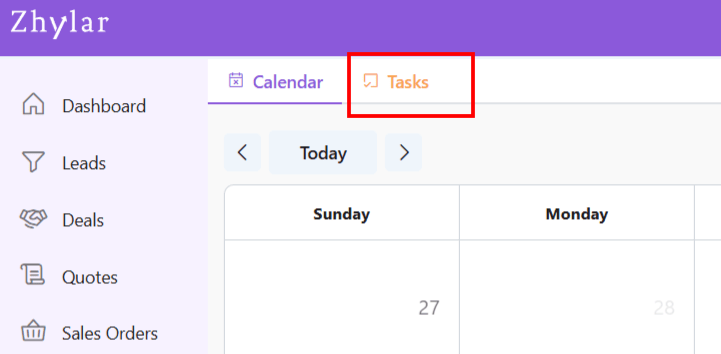
A task can be added by moving to the Tasks panel.
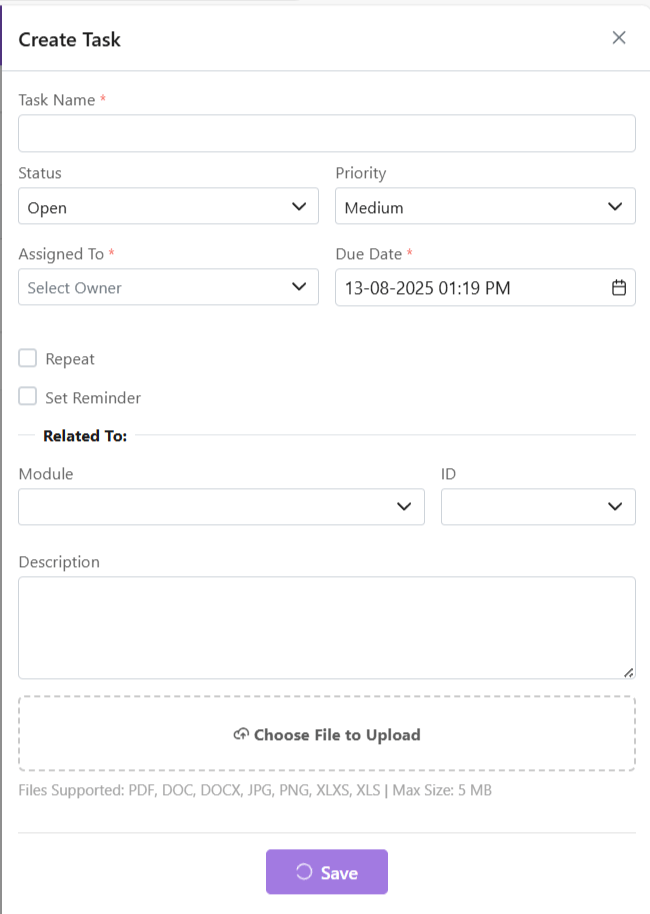
Click on +New Task
Fill details.
You must give the task a name, assign an owner and set a due date. These fields are mandatory.
Set to repeat if required.
Set reminder if required.
Click Save.
Filter Tasks
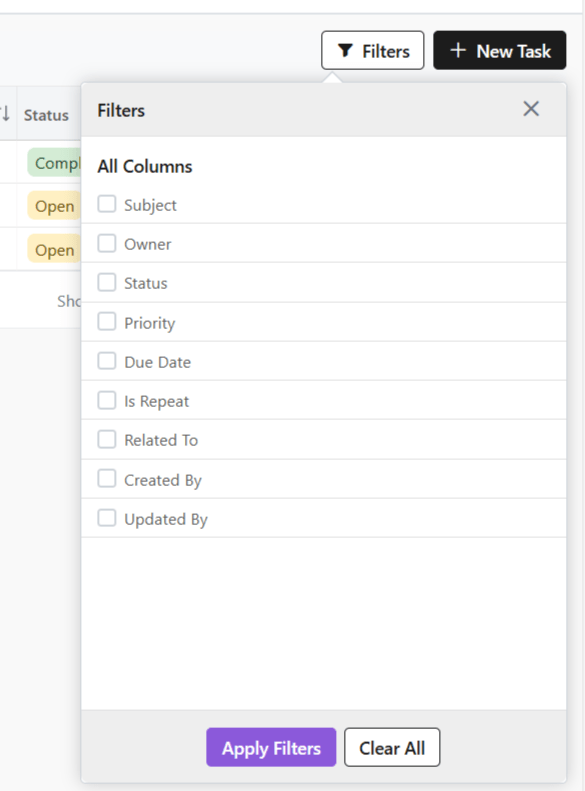
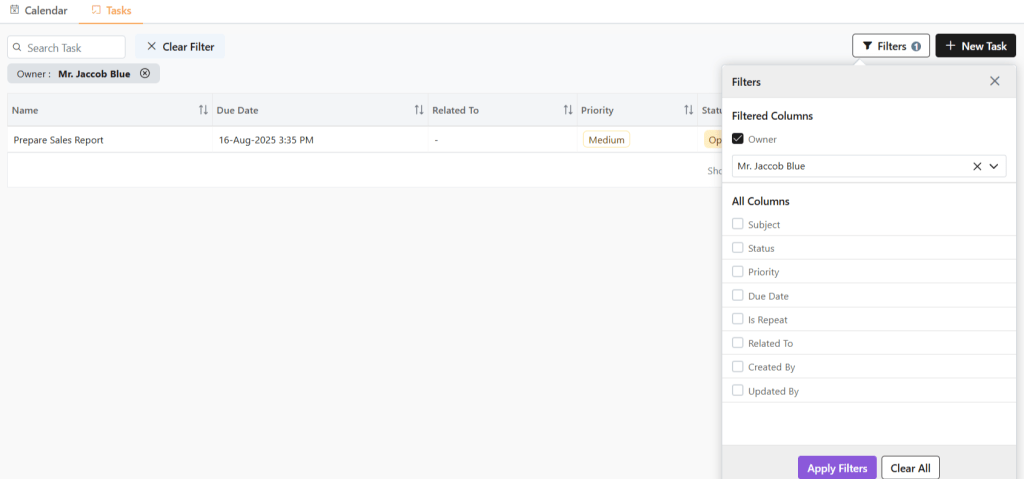
You can filter tasks for easy search by clicking on the Filters button.
For example, owner filter is selected. Under which, user Jaccob Blue is selected.
Now, you will only see tasks whose owner Jaccob Blue is.
Managing Tasks
View Task
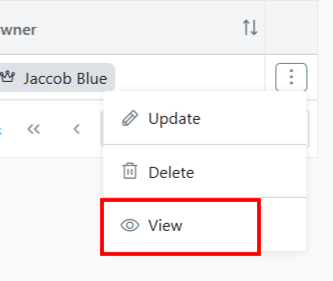
To check the details of any activity, click ⋮ 3 dots
Select View.
The details will be visible to you.
Update Task
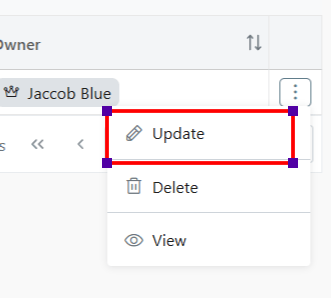
Click ⋮ 3 dots
Select Update
Make changes.
Click Save.
Delete Task
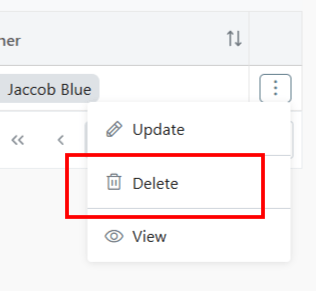
Click ⋮ 3 dots
Select Delete
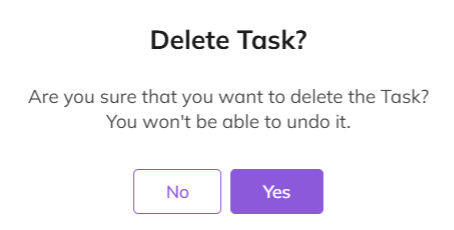
Provide confirmation.
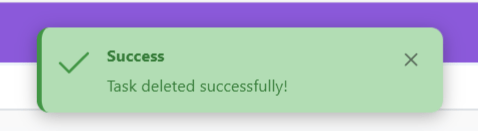
Your task will be deleted successfully.
Discover how Zhylar can streamline your sales and elevate your business processes. Visit our website or book a demo today to experience the difference!