In CRM, a deal is a sales opportunity — a chance to sell your product or service and earn revenue.
A deal record stores key details like:
Deal value (how much it’s worth)
Expected close date (when you aim to win it)
Linked contacts (people you’re selling to)
Products or services offered
Tracking deals in the CRM helps sales teams stay organized. It ensures they follow up on time. It also moves opportunities forward until they’re won or lost.
What is a Deal Pipeline?
In Zhylar, a deal pipeline is a visual framework. It maps each stage of your sales process, from opportunity creation to closure. Pipeline management empowers you to track progress, identify stalled deals, and forecast revenue accurately.
Deals View
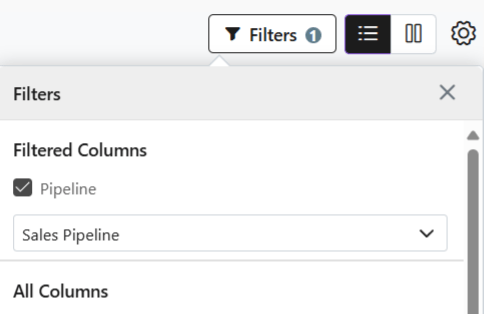
When viewing the deals added to the system, the list will show deals in one particular pipeline at a time.
Switch between pipelines to check deals.
Click on Filters
Select Pipeline
Select the required pipeline
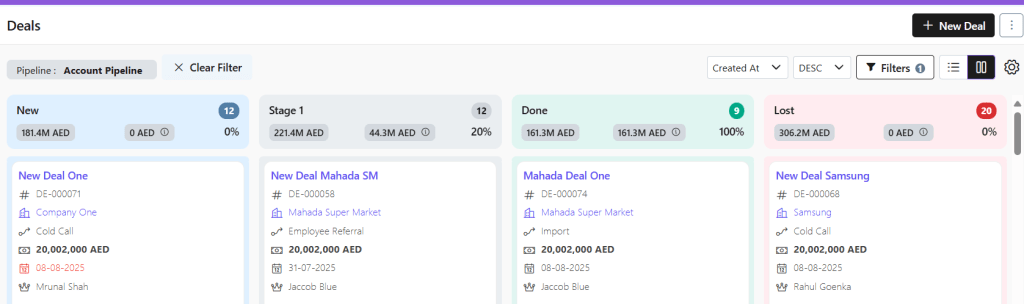
Kanban View
Visual Pipeline Tracking – See deal stages at a glance with color-coded cards
Drag-and-Drop Simplicity – Move deals between stages instantly
Quick Status Checks – Identify bottlenecks or stalled deals visually
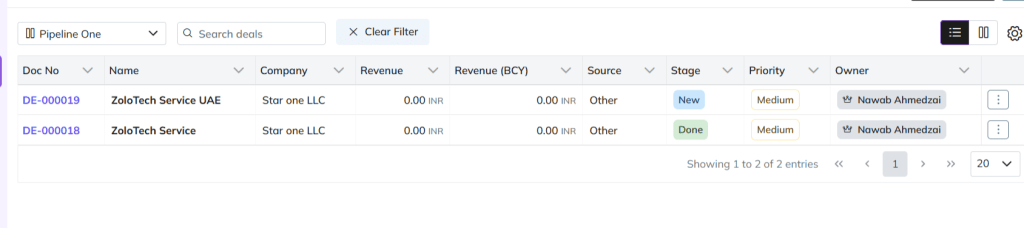
List View
Switch to list view if required.
Detailed Data Overview – View all deal info (value, dates, contacts) in one table
Sorting & Filtering – Organize by amount, close date, or custom fields
Add New Deal
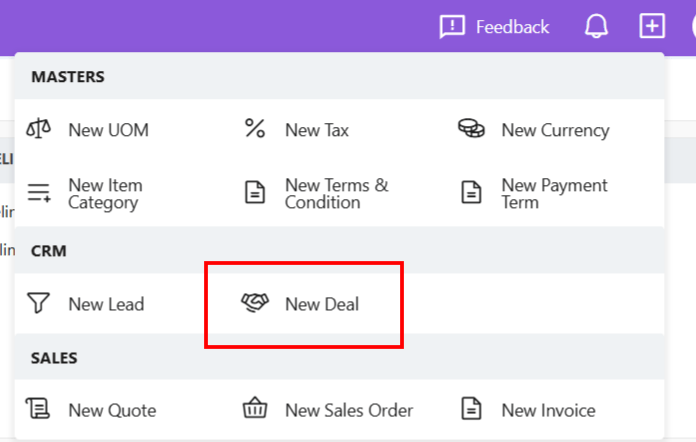
There are three ways to add a new deal to Zhylar.
Shortcut
Click + New Deal (top-right)
Fill details
Click Add Deal
Deals Module
Go to Dashboard
From the left-hand panel, go to Deals
Click + New Deal
Fill details.
Save.
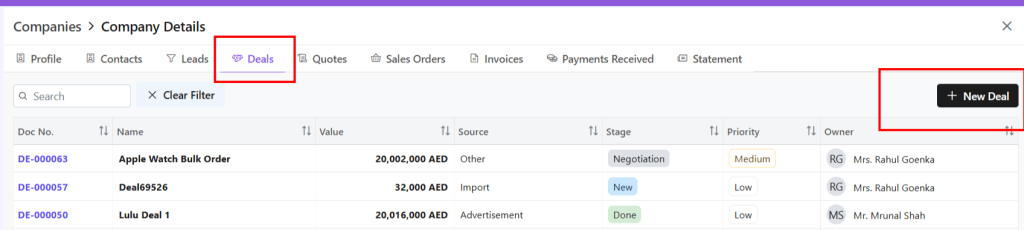
From Companies
From the left-hand panel, go to Companies
Go to Company Details
Click on the Deals tab
Select + New Deal
Deal Details
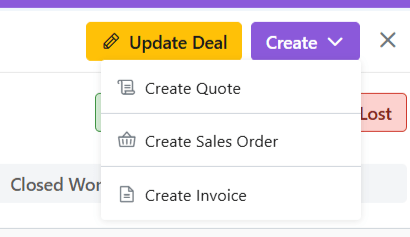
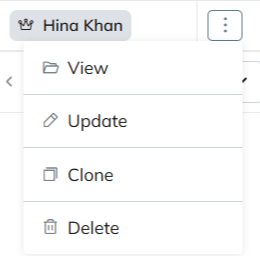
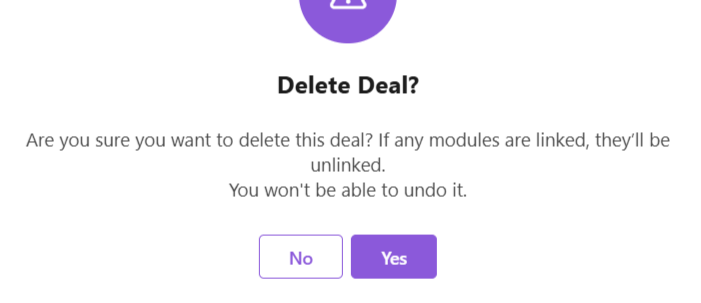
Deal Actions
When you click open a deal, you can;
View deal details
Edit deal– Make required changes
Email deal– The deal can be mailed to client
View Company– Get a wholistic view of the company linked to this deal with one click.