
- Log in to Zhylar.
- Click on “Configuration”.
- In the “Masters” column, click on “General Settings”.
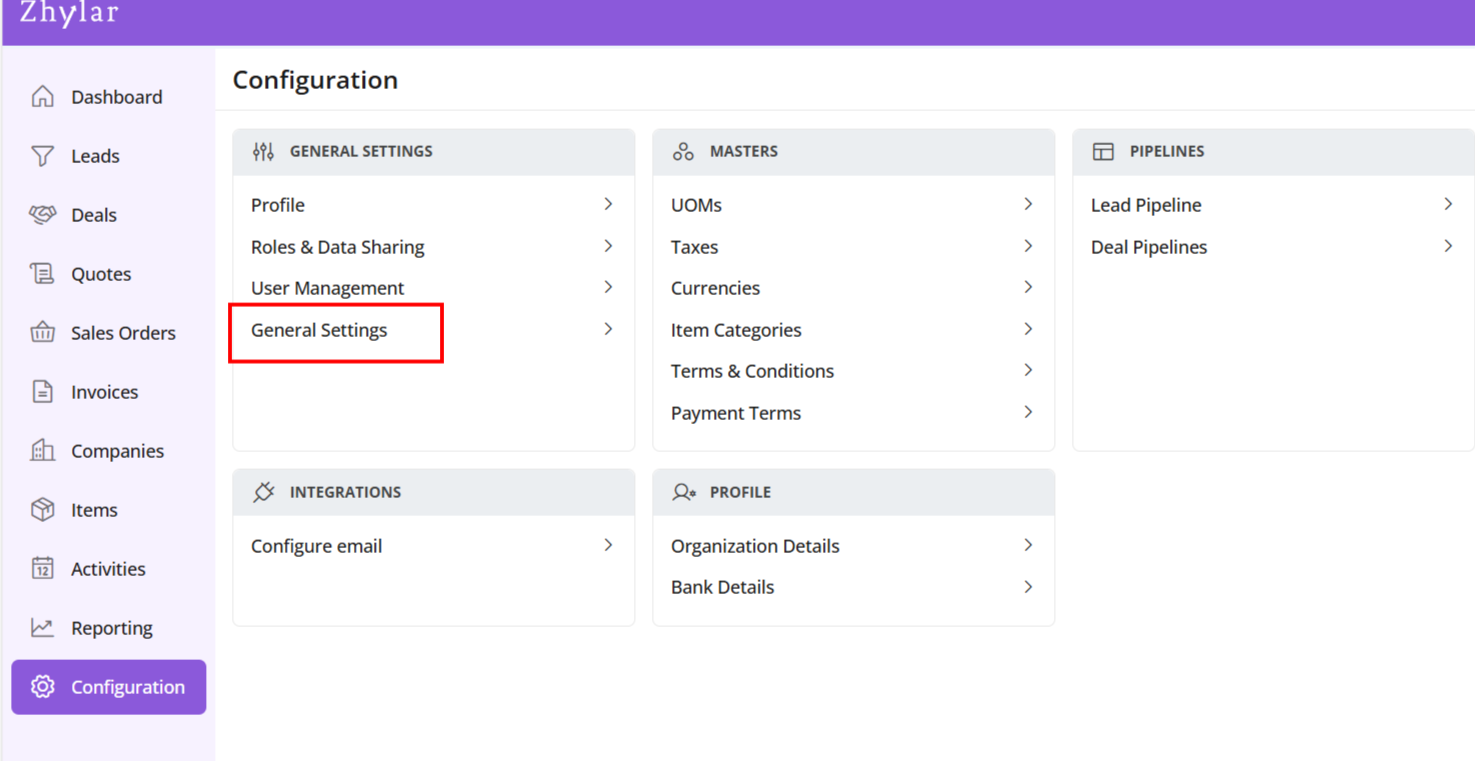
- A new page will open for you.
- Here, you can turn on or turn off the “recent selling price” option.
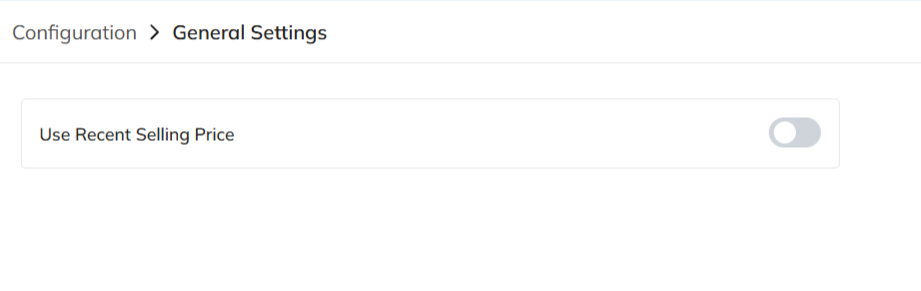
View Recent Selling Price
When turned on, recent selling price is reflected under “Item Details” wherever an item is added in the following modules:
- Deal
- Quote
- Sales Order
- Invoice
Under the added item, select Item Details
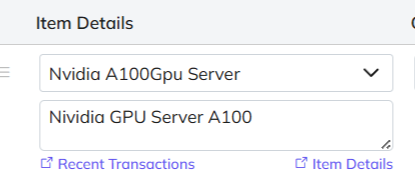
The details will open.
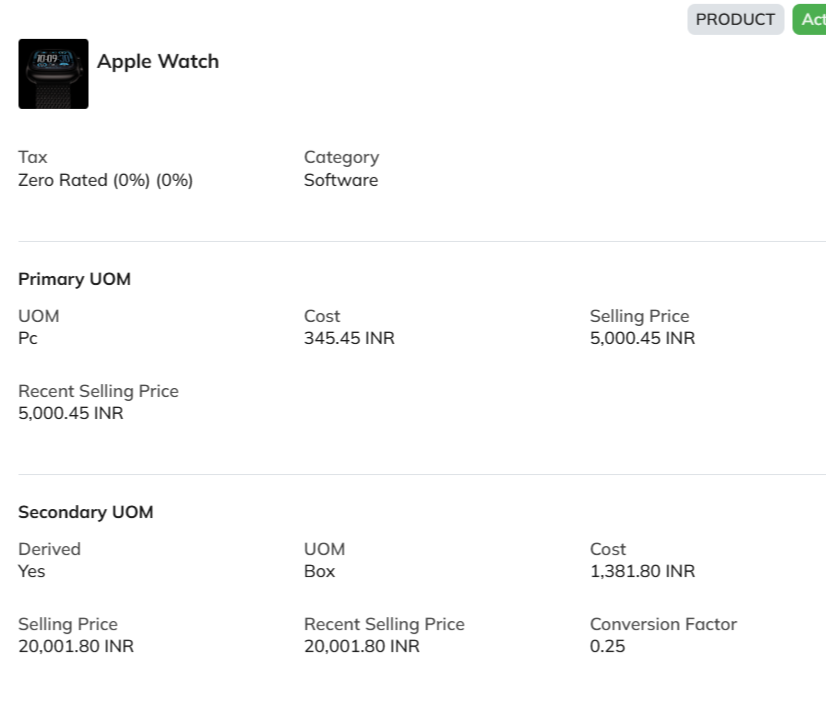
The recent selling price reflects the price at which the item was sold the last time only. In comparison, the recent transaction reflects the entire transaction history of the product in the Zhylar system.
Discover how Zhylar can streamline your sales and elevate your business processes. Visit our website or book a demo today to experience the difference!
Also Read