What is an Organization in a CRM system?
The organization refers to the company or business that is using the Zhylar portal itself. This serves as the top-level account under which all users, modules, data, and customizations are managed. This setup ensures centralized control over user roles, data access, business settings, and operational workflows.
Viewing Organization Details
- Log in to Zhylar
- Go to Left-hand panel
- Go to Configuration
- Under Profile section, select Organization Details
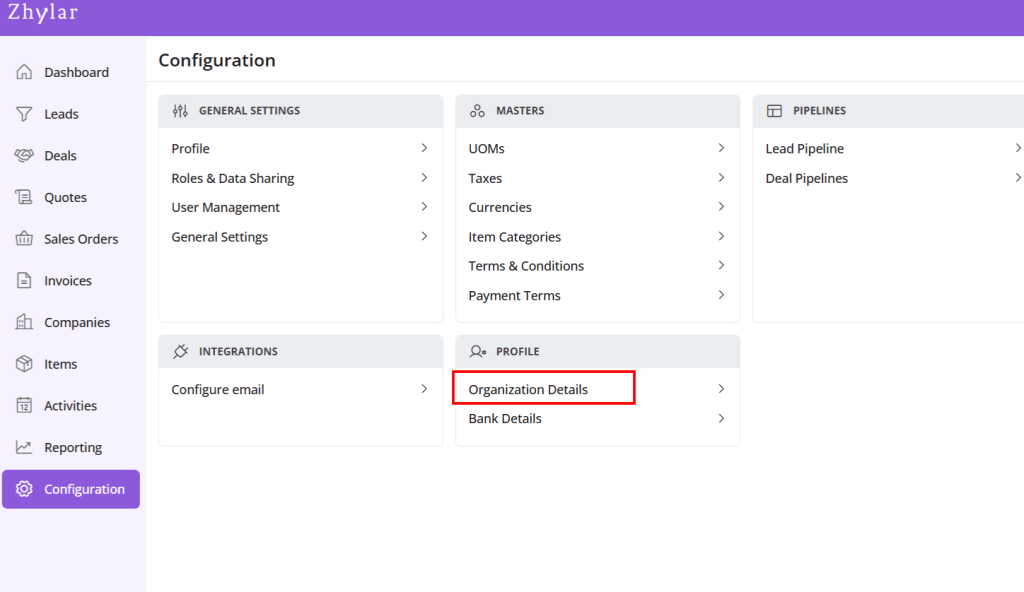
- A new page will open for you.
- View Organization details.
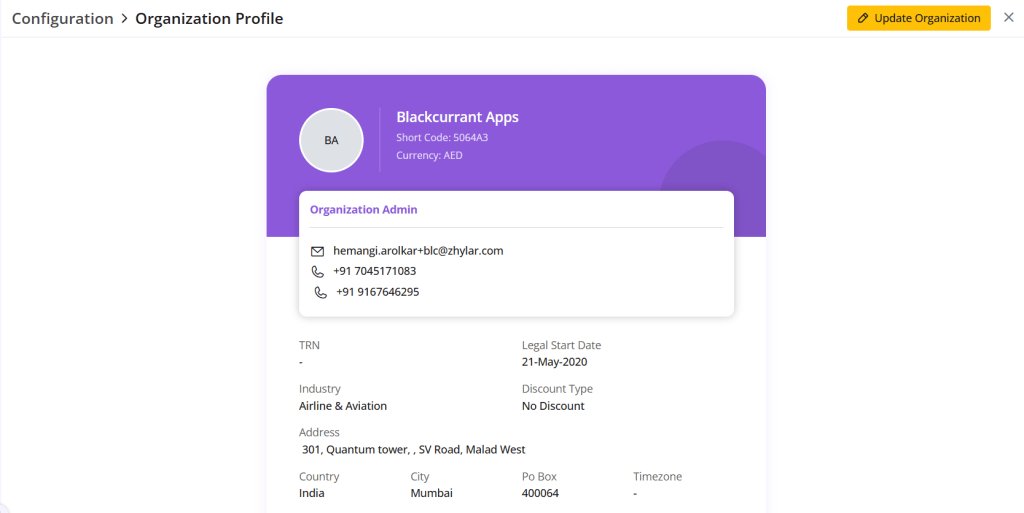
Update Organization
- Click on the yellow button “Update Organization”.
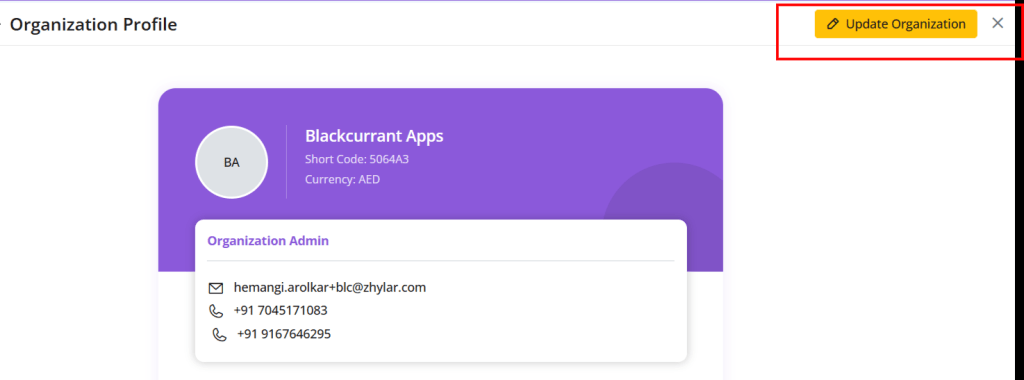
- Make your changes.
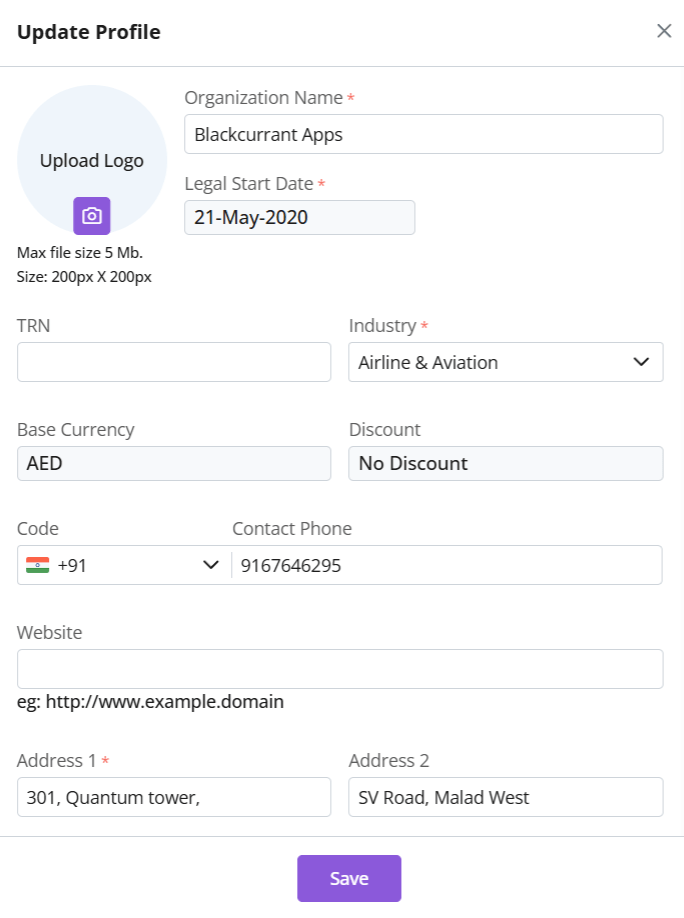
- The following details cannot be changed:
- Legal start date
- Base Currency
- Discount
- Click Save.
Discover how Zhylar can streamline your sales and elevate your business processes. Visit our website or book a demo today to experience the difference!
 Zhylar Blog
Leave a comment