
Introduction to Zhylar
Zhylar CRM is a sales enablement platform that helps businesses capture leads, manage deals, and automate their sales cycle. It offers tools like pipelines, Kanban views, document templates, and real-time dashboards to streamline operations. With role-based access and strong data security, it keeps teams focused and information organised.
Different users will be able to see different data based on the access given to them. The CEO will have access to all the data.
Getting Started
- Begin by logging into your Zhylar account.
- This is the dashboard.
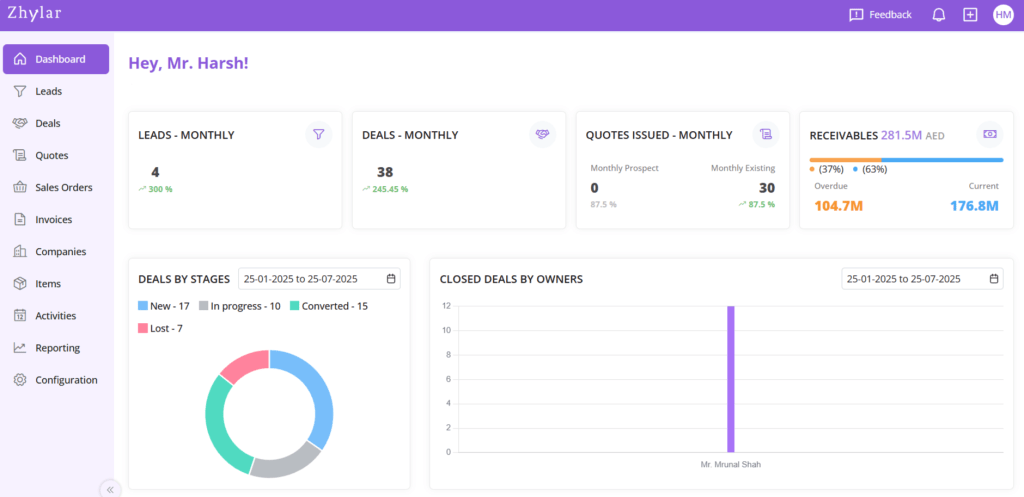
- Each user will be able to view data on the dashboard based on how much data access they have.
- In this example, Mr. Harsh is the CEO of the organization who has complete access to all data.
Left-Hand Navigation Panel
- The left-hand navigation pane helps user to move from module to module easily.
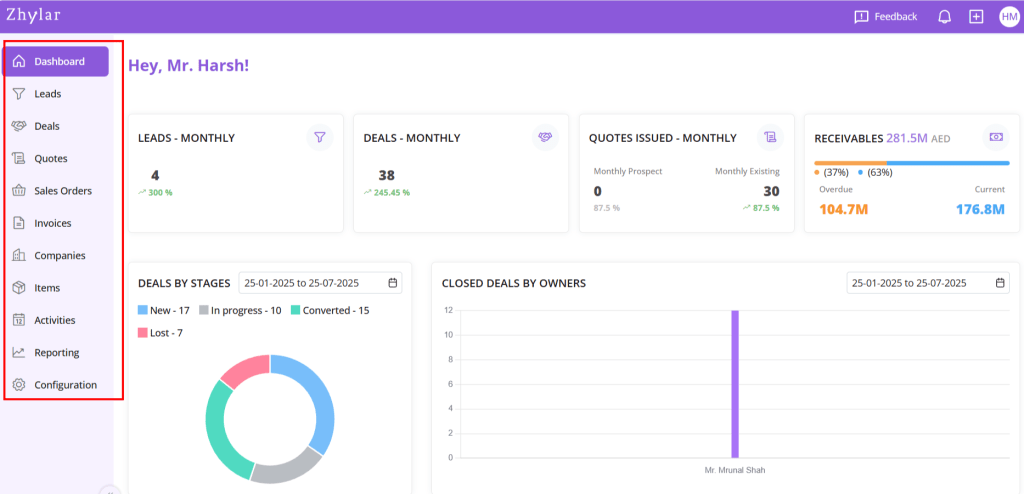
- Click on the name of the module to navigate to that module.
Left-Hand Pane Modules
- Leads- Never lose a lead once you have stored it on Zhylar
- Deals- View deals in List View or Kanban View to close deals quickly and successfully
- Quotes- Create, send and revise Quotes to customers with ease
- Sales Orders- Draw up Sales Orders to move ahead with your deals
- Invoices- Customize documents and send out invoices for quick, efficient payments
- Companies- Store data for companies you work with and contacts. Get a 360-degree overview of your interaction with each company.
- Items- Maintain a catalogue of the products and services you offer
- Activities- Log activities for smooth inter and intra organization communication
- Reporting– Get insights and information about data processed in your system
- Configuration– Customize your Zhylar as per your needs
Profile + Navigation Bar
On the top-right hand corner, user can click on the initials to view profile.
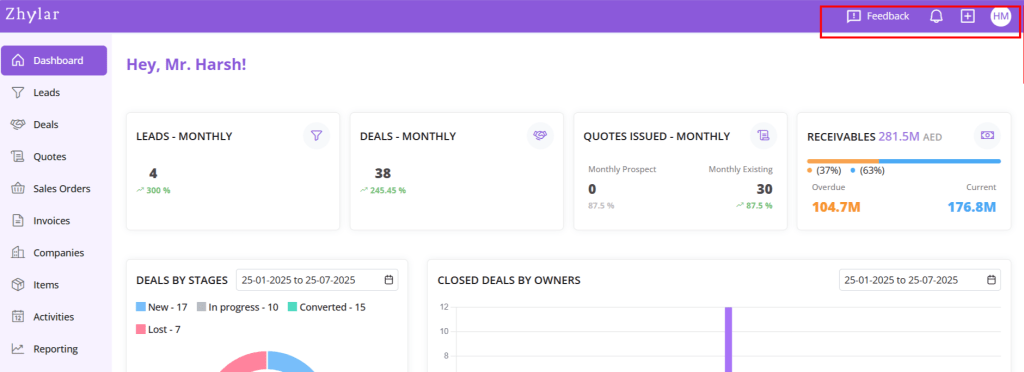
- Here, user can check their:
- Email ID
- Profile
- User ID
- Organization ID
- You can also switch accounts by clicking on this button.
+ Shortcut Sign
- On the header, there is a + sign serving as a shortcut for quick access to some major modules.
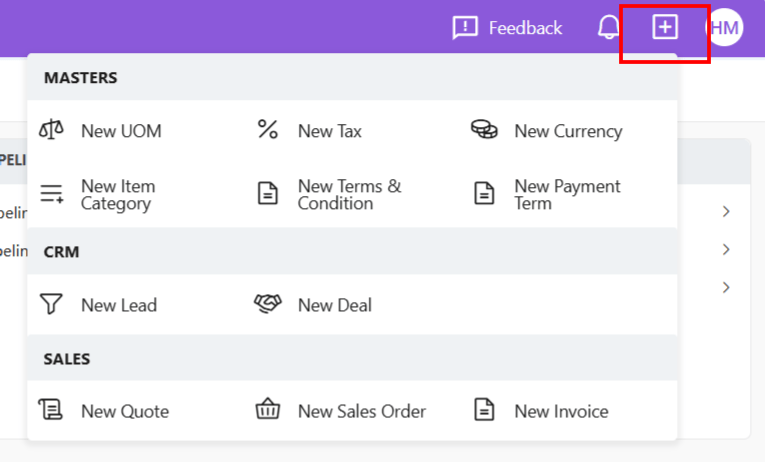
- By clicking on this button, you can add new data to your system without navigating to the module.
- This shortcut is available on the header for all pages, not just the dashboard.
Notification Bell

Check the bell icon for important activity notifications.
Feedback Button
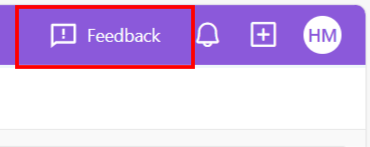
- Provide feedback to Zhylar. We are committed to bringing the best CRM + CPQ solutions to you, customized just for you.
More Resources
To read about each module in-depth, visit our knowledge base. To better understand how you can ace digitally with Zhylar, watch the tutorial videos.
Discover how Zhylar can streamline your sales and elevate your business processes. Visit our website or book a demo today to experience the difference!
 Zhylar Blog
Leave a comment