
To log in to your Zhylar account;
- Log in to Zhylar
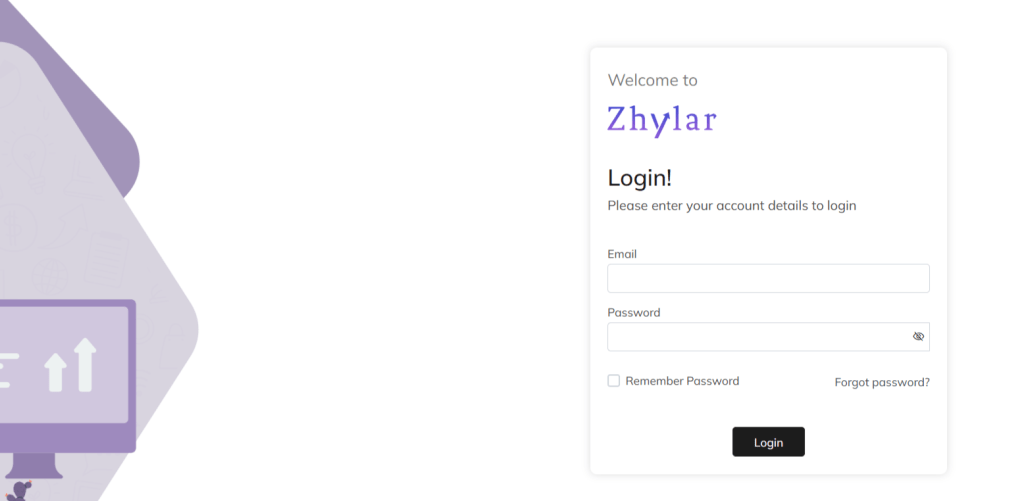
- Log in with your ID and Password.
- For easy login in every time, check the Remember Password box.
Forgot Password?
If you have forgotten your password;
- Click on “Forgot password”.
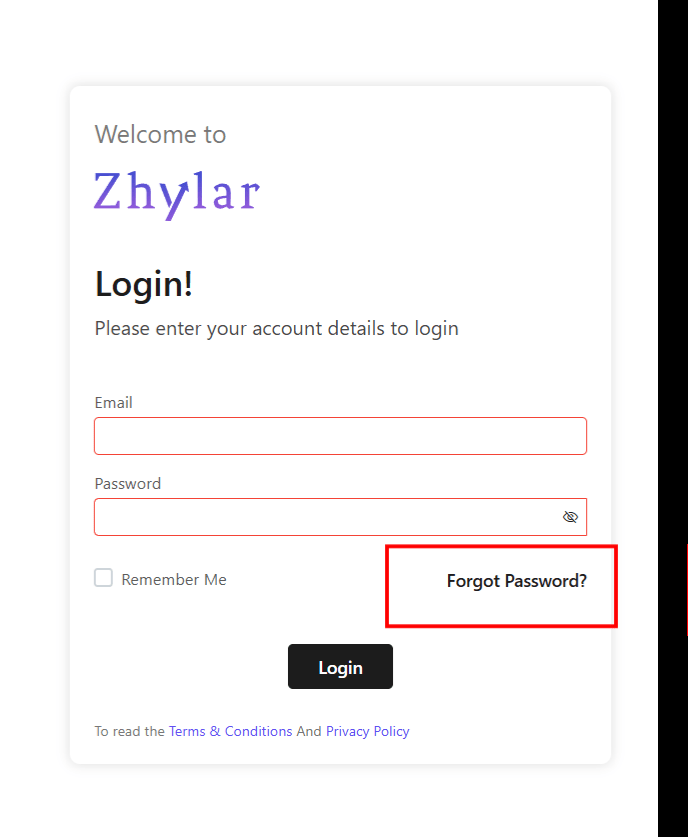
- You will be redirected to a password reset option.
Self-Password Reset
To reset your password;
- You will be redirected to a new page.
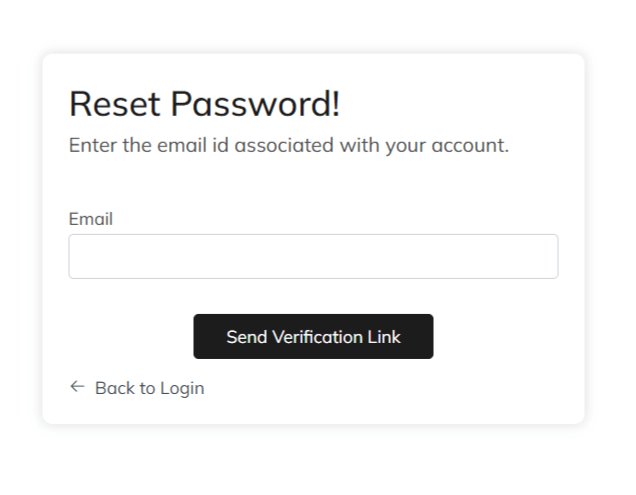
- Enter the ID associated with your account.
- Click on “Send Verification Link”.
- Open the inbox of the ID you have entered.

- Click on the link received.
- You will be redirected to a new page.
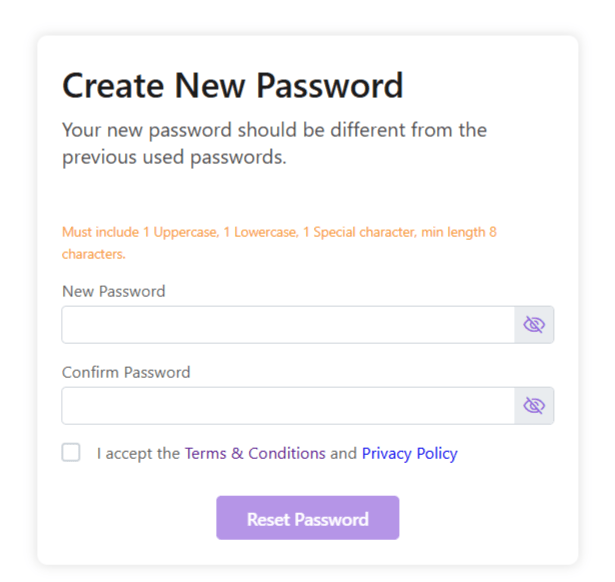
- Enter new password.
- Accept the Terms & Conditions and Privacy Policy
- Click Reset Password.
- Your password will be reset. Login and begin using Zhylar!
- Make a note on your device for future reference.
Discover how Zhylar can streamline your sales and elevate your business processes. Visit our website or book a demo today to experience the difference!
 Zhylar Blog
Leave a comment