
What are recent transactions?
Recent transactions in Zhylar provide a quick view of an item’s latest activity. They show when, how, and at what price it was quoted or sold. They also show to whom it was sold. It tracks usage across quotes, sales orders, invoices, and even lost deals. This offers a 360-degree picture of the item’s sales history.
Getting Started
- Log in to Zhylar
- Move to Deal/Quote/SO/Invoice tab.
- Add New or open existing quote via update option.
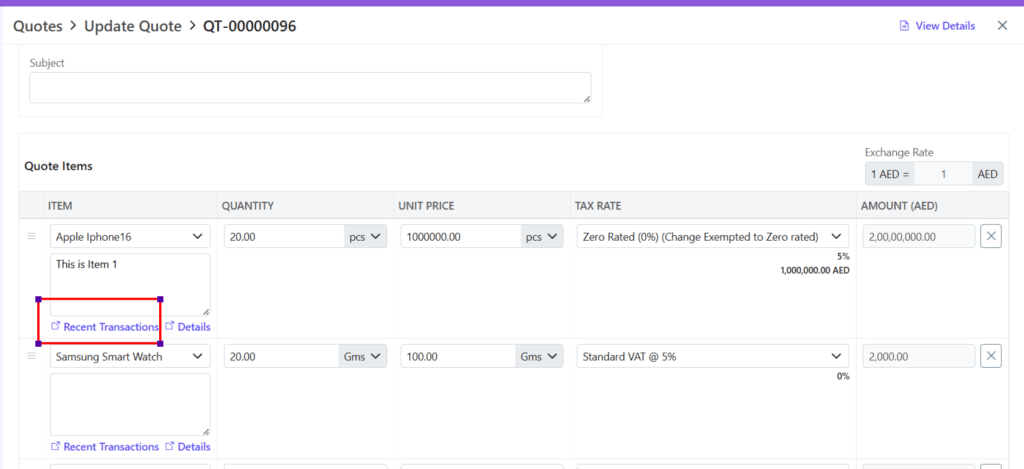
- For new Quote, after adding item Click on Recent Transactions.
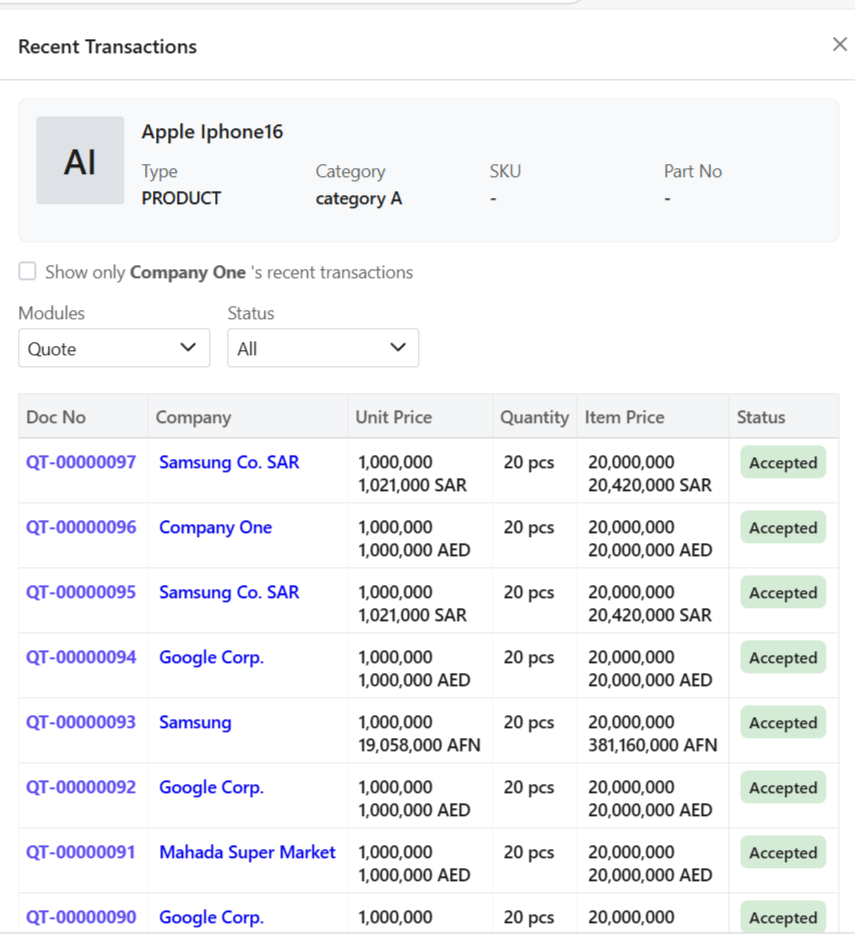
- A side sheet will open.
- The entire transaction history will be fetched.
Filter Search
Filter search to obtain best results:
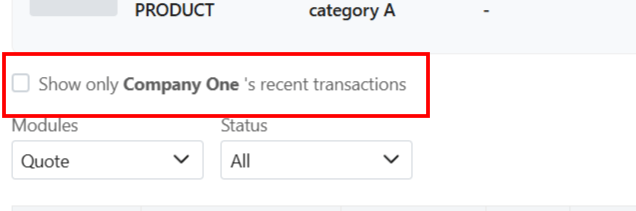
- Via company
Tick the box to view transactions against that organization only.
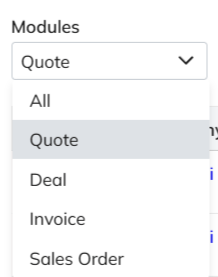
- Via module
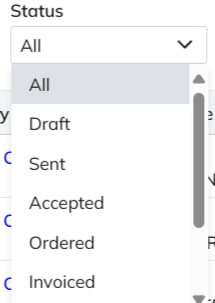
- Via document status
Details
Recent transactions will show the following detail for each transaction.

Item Details
To simply view the item details,
- Click on Details.
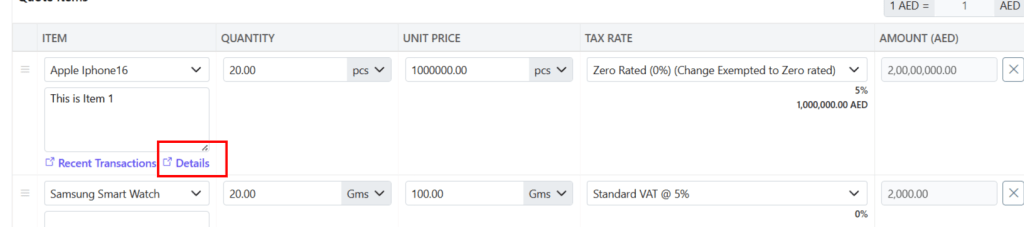
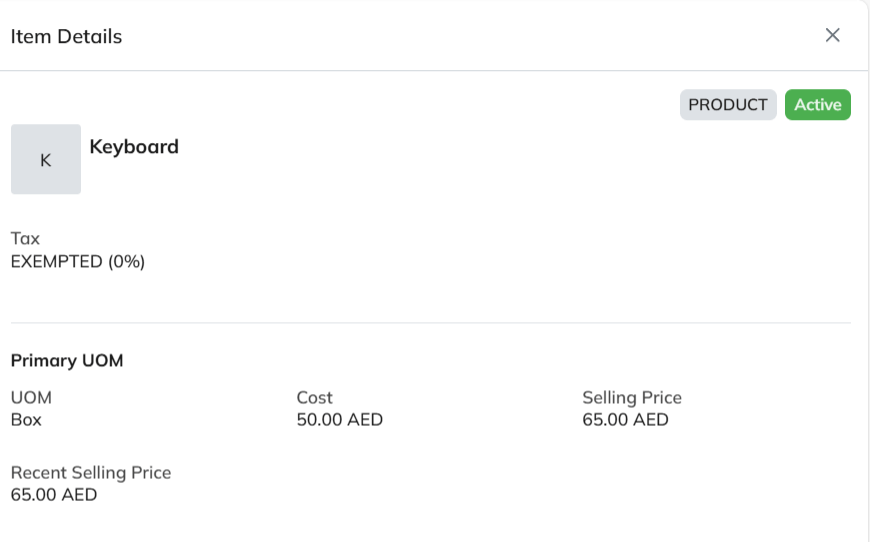
- The details of the item will be visible to you.
Discover how Zhylar can streamline your sales and elevate your business processes. Visit our website or book a demo today to experience the difference!
 Zhylar Blog
Leave a comment